
Instant logging
Add an expense in seconds from the app or the iPhone shortcut. No friction, no excuse to put it off.
Track expenses, set budgets per category, split costs with friends, and get insights—all in one place. No spreadsheets.
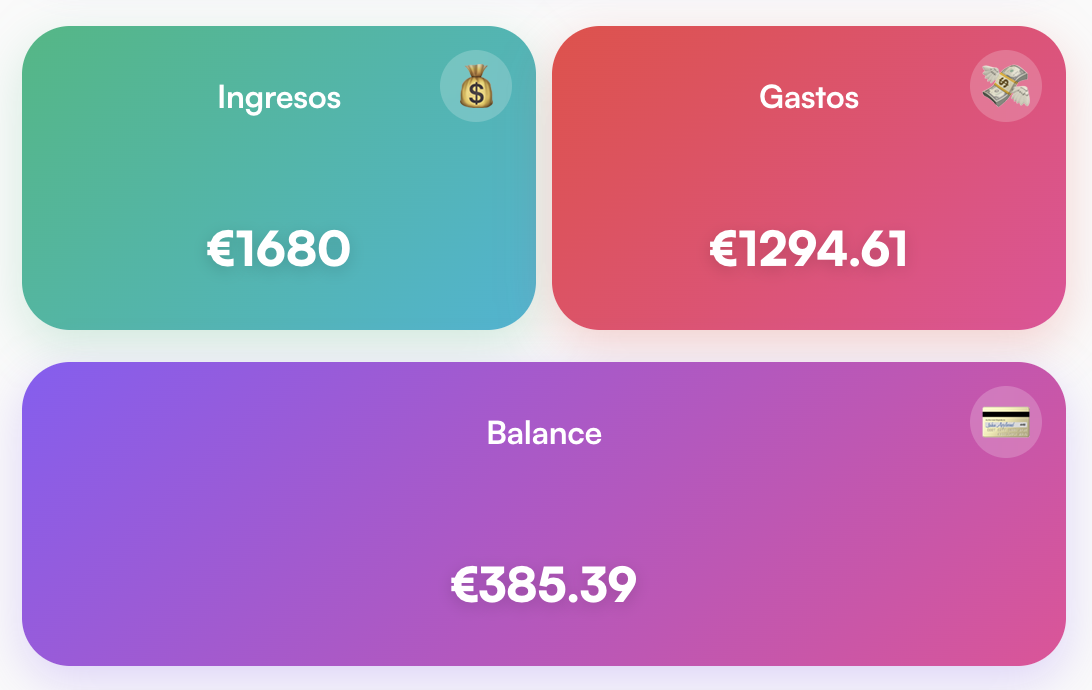
What brings you back to Xtalvi every day.
Add an expense in seconds from the app or the iPhone shortcut. No friction, no excuse to put it off.
Budget alerts, unusual spending, and pending recurring payments. Xtalvi nudges you before you forget.
Every logged expense sharpens your stats and reports. The more you use it, the more useful it gets.
Register with email or Google. Activate your account and set your preferences (language, start of month).
Create tags with monthly budgets and alerts. Create folders and add all your expenses to keep control: group by project, trip or category.
Add expenses with optional receipt photos. Share with friends and split costs. Recurring payments are generated automatically.
View averages, trends, and forecasts. Get push notifications and annual email summary. Settle debts with friends anytime.
How the app works: from home to profile, expenses, folders, tags, recurring, shared and statistics.
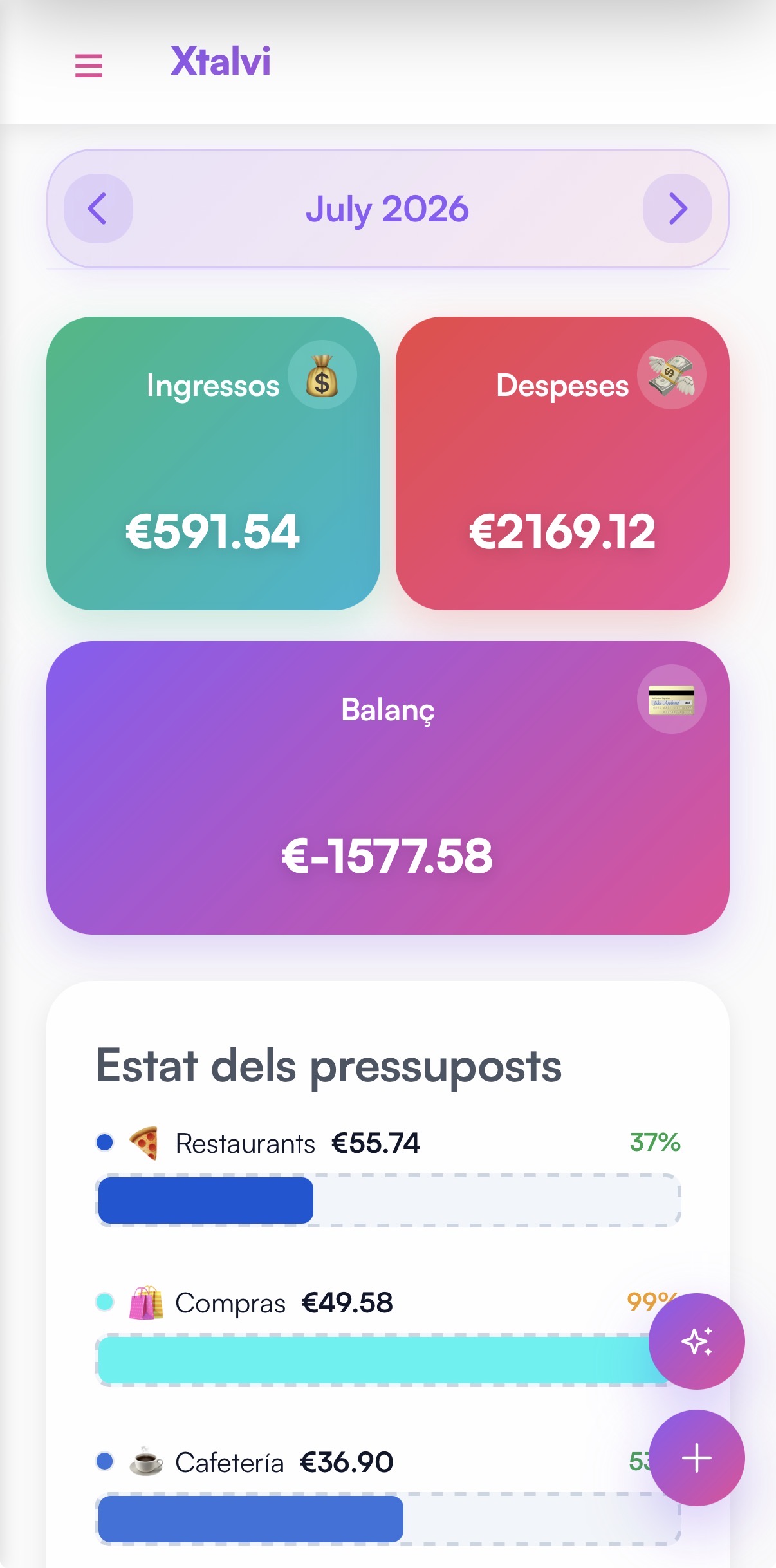
Check your monthly balance, latest transactions and get a clear view of your budget status. Everything you need, right from the home screen.
Custom tags with colours and monthly budgets. Alerts when you approach the limit. Filter and summarise by date range.
Record and edit each expense: date, amount, comment, tag, folder. Optional receipt photo (stored securely). Filter by dates, tags, folder, or text.
Create folders with name and description. Add all the expenses you want to each folder to keep control: group by trip, project or any criteria. Filter and view by folder.
Invite friends by link or QR. Shared expenses with split by percentage or amount. See who owes whom and settle in one action.
Set monthly, bimonthly, quarterly (etc.) expenses. Start and optional end date. The system generates the entries automatically.
See clearly the average of previous months vs the current period, and how income, expenses and net are distributed over the months.
Create savings jars with a goal and a target date. Link expenses so they don't count toward the monthly total, and track at a glance how close you are to reaching it.
Notifications for shared expenses, budget alerts and unusual spending. Monthly AI report and yearly/quarterly summary with totals and breakdown.
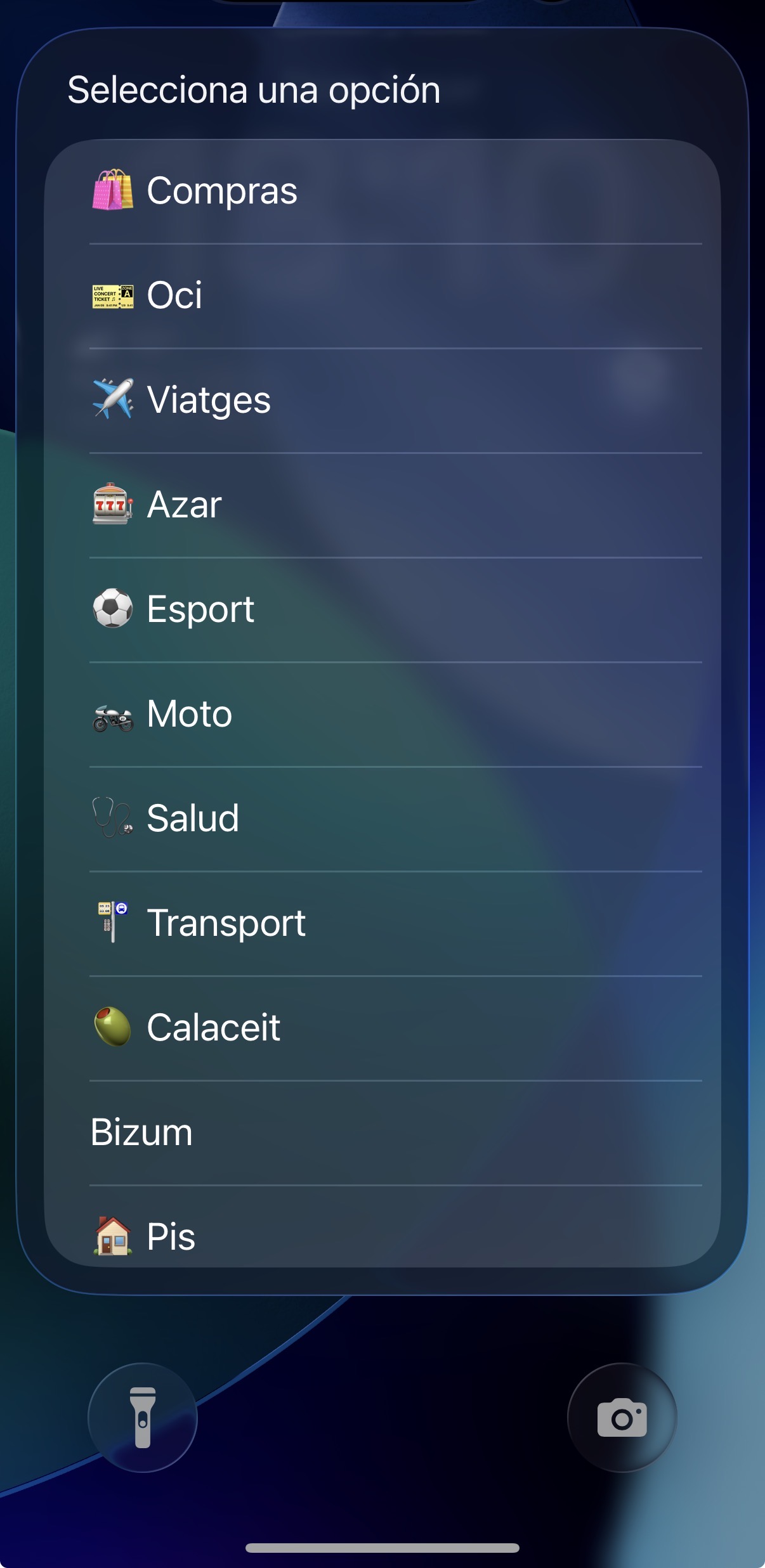
Select tag and enter the amount. Add it in seconds, comfortably.
Record expenses in seconds
Use the iOS shortcut to add expenses instantly without opening the app. Ideal when you pay cash or are in a hurry. Very convenient and always at hand.
Your data, your control.
We are committed to transparency and compliance.
Start for free. Need more? Unlock everything with a subscription.
€0
Includes the occasional ad, which helps us keep the free plan going. Remove them anytime with premium. More info in our cookie policy.
€2,99 / month
€25 / year
Save vs monthly
Payments are securely processed via Stripe
What Xtalvi users say.
Loading…
Questions, suggestions or requests? Get in touch.
Join users who track their spending and share expenses without the hassle.